Upload your MT4/MT5 statement and PipCoach finds your biggest weakness in seconds — then coaches you to fix it. No install, no login. No webinars, no gurus, no signals.
Free to start — and cashback on every trade helps your coach pay for itself.
Your trading and the live market flow in. Personal coaching comes out — and Pip remembers it next time. That’s the difference between a generic chatbot and a coach that actually knows your trading.
▸ What you do · what’s live
◌ remembers every session
“”
No signup needed for your first chat
One AI coach. Three steps to better trading.
Chat with PipCoach free — market analysis, chart questions, trading concepts. No signup required.
Attach the PipCoach Companion EA to MT4/MT5 — PipCoach starts learning from your real trades.
Journal, backtest, and practice — your coach reviews it all and shows you exactly what to work on.
PipCoach won’t hand you a trade to copy. It studies what you’ve already done and tells you what to fix — about your trading.
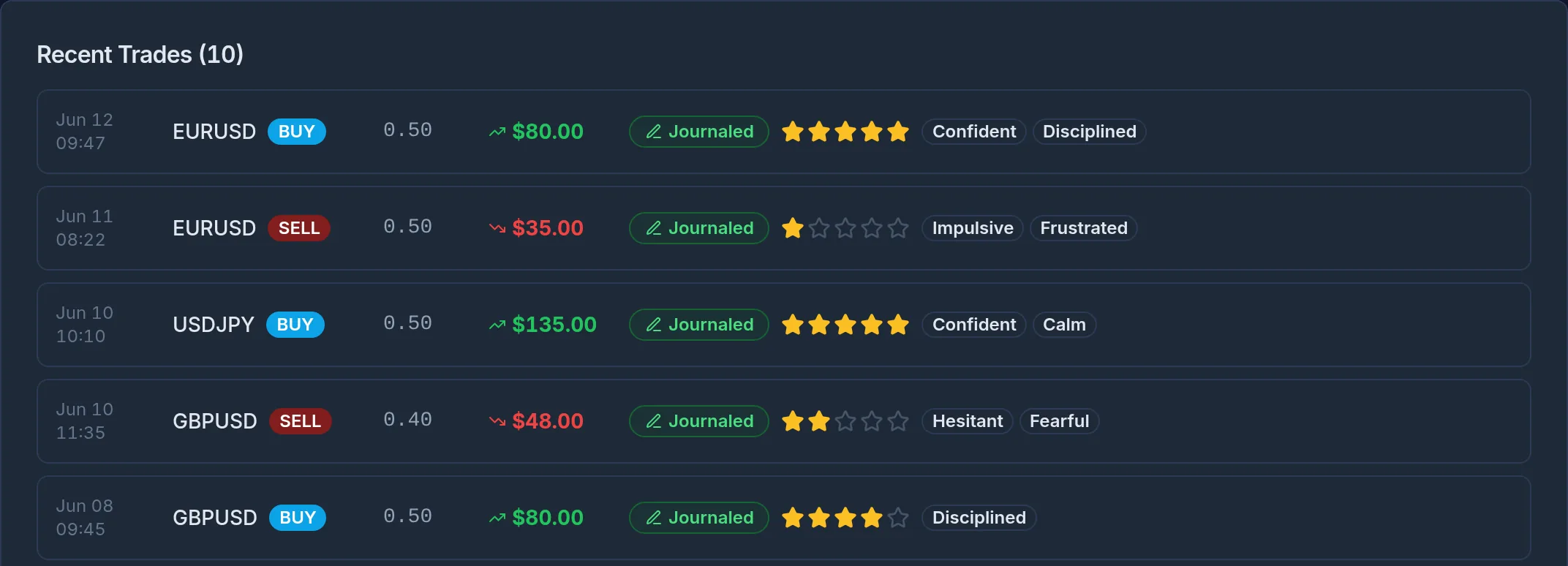
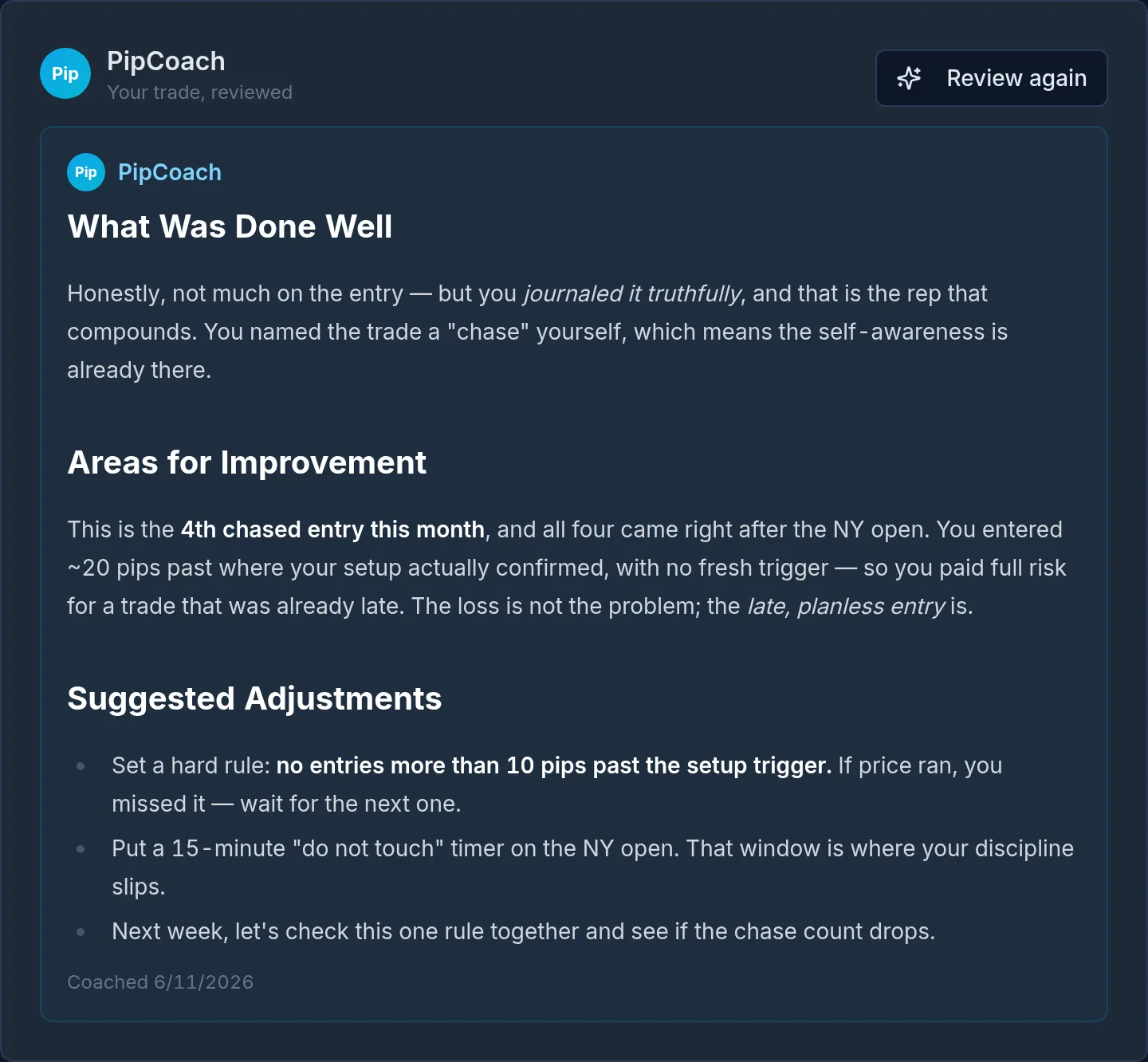
ChatGPT and Gemini give great generic answers. But they don’t know your account, your broker, or the mistake you keep repeating. PipCoach does — that’s the whole point.
Not another chatbot — a coach plugged into your real trading. It knows your trades, so its coaching is about you.
Connect MT4/MT5 and PipCoach coaches from your real fills, journal and backtests — not generic, textbook advice a chatbot would give anyone.
Works with your existing MT4/MT5 account. Nothing to switch, nothing to fund elsewhere — just connect the account you already trade.
Pip won't hand you a trade to copy. It tells you what to fix and why — so you actually improve instead of chasing someone else's calls.
Chat free with no signup. Free to join — upgrade only when you want deeper coaching across more accounts and history.
Built by traders, for traders • Your trading, coached
Find answers to the most common questions about Pipstone services.
An AI coach plugged into your real trades, journal and backtests — coaching you on what to fix. No webinars. No gurus. No signals.
✓ No signup for your first chat • ✓ Free to join • ✓ Coaching, never signals
Already have an account? Sign in here
